
ShotShoot
A screenshot and screen recording app that turns a capture into a clear explanation in seconds. Everything that people buy Snagit or CleanShot X for — in one app for Windows and Mac, for a one-time price, with nothing uploaded to the cloud.
Fact sheet
- Developer
- ShotShoot Software, an independent developer
- Released
- Windows: October 28, 2026 (Microsoft Store). macOS: coming soon to the Mac App Store
- Price
- $14.99 one-time purchase, no subscription. 15-day free trial with every feature
- Platforms
- Windows 10 / 11 (x64); macOS 14 Sonoma+
- Languages
- 20 interface languages, on-device text recognition in 20 languages
- Website
- shotshoot.app
- Press contact
- support@shotshoot.app
Why it is different
- Private by design. Images, videos and the library stay in the user's own folders. Text recognition, personal data detection and AI upscaling run on the device; nothing is uploaded unless the user shares it.
- No subscription. One purchase unlocks the full app. After a trial ends, saved screenshots and videos stay available to view and export.
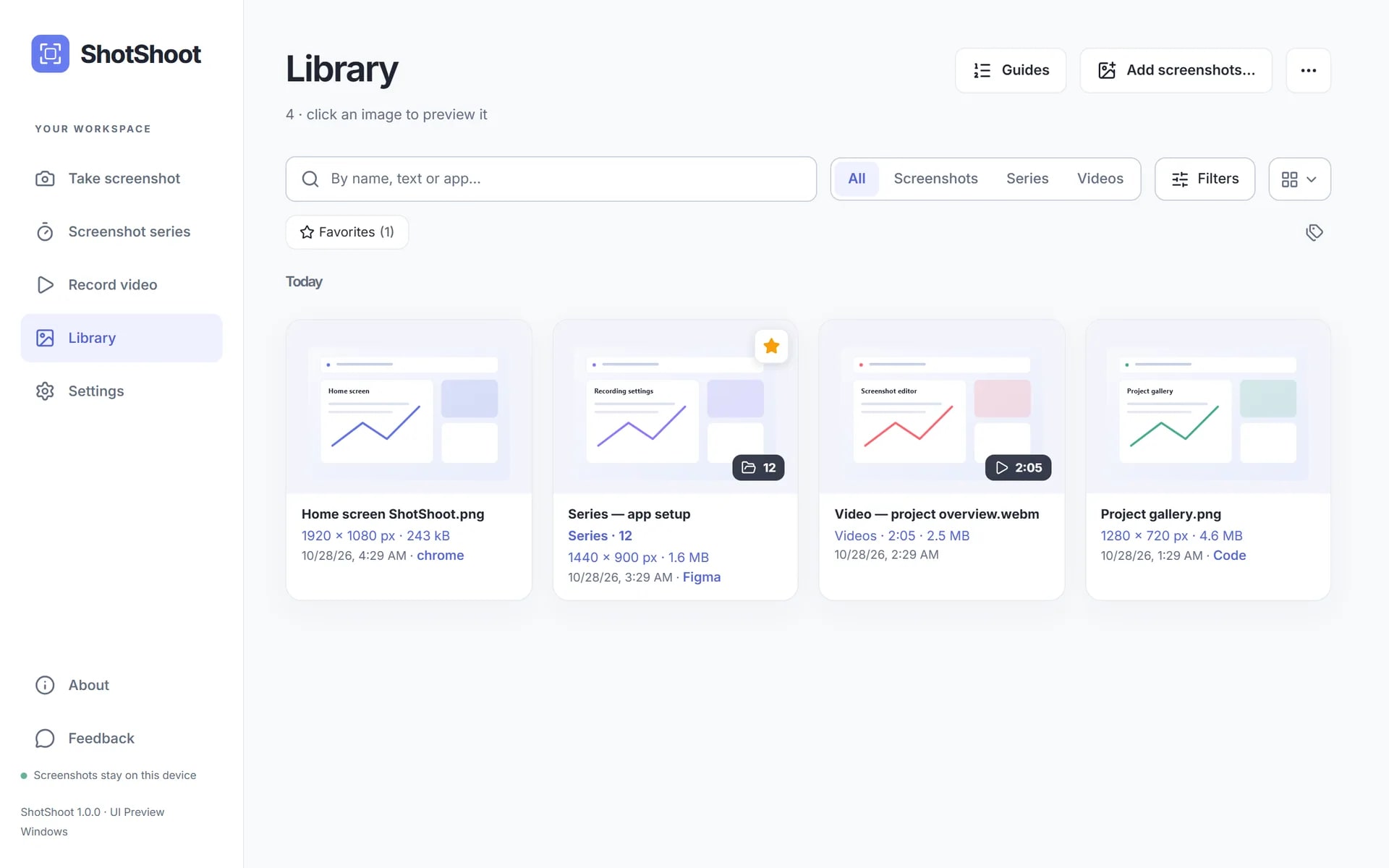
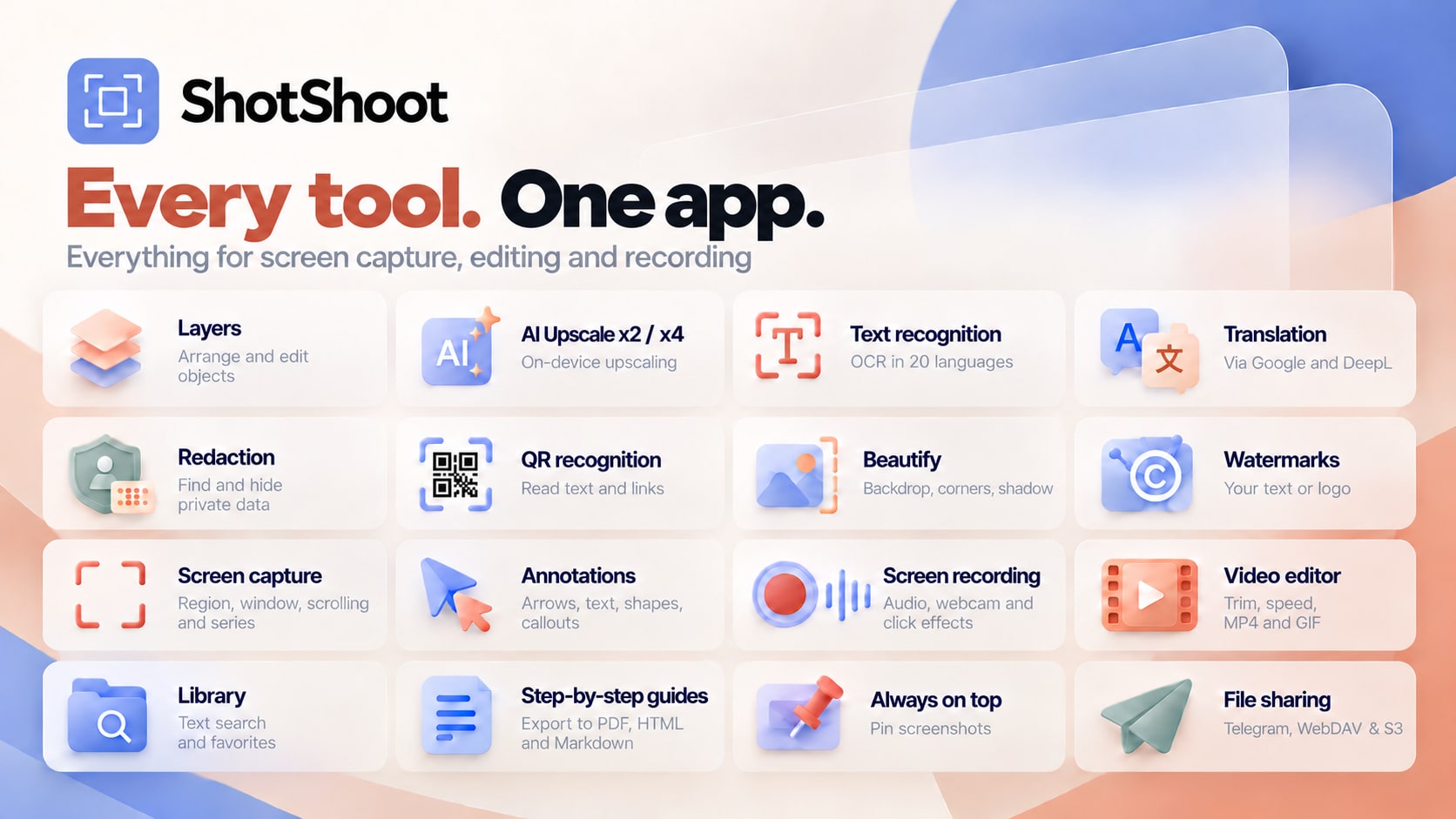
- Screenshots and video in one tool. The editor, a library with text search, step-by-step guides and a screen recorder with click effects usually take two or three apps.
Key features
Capture
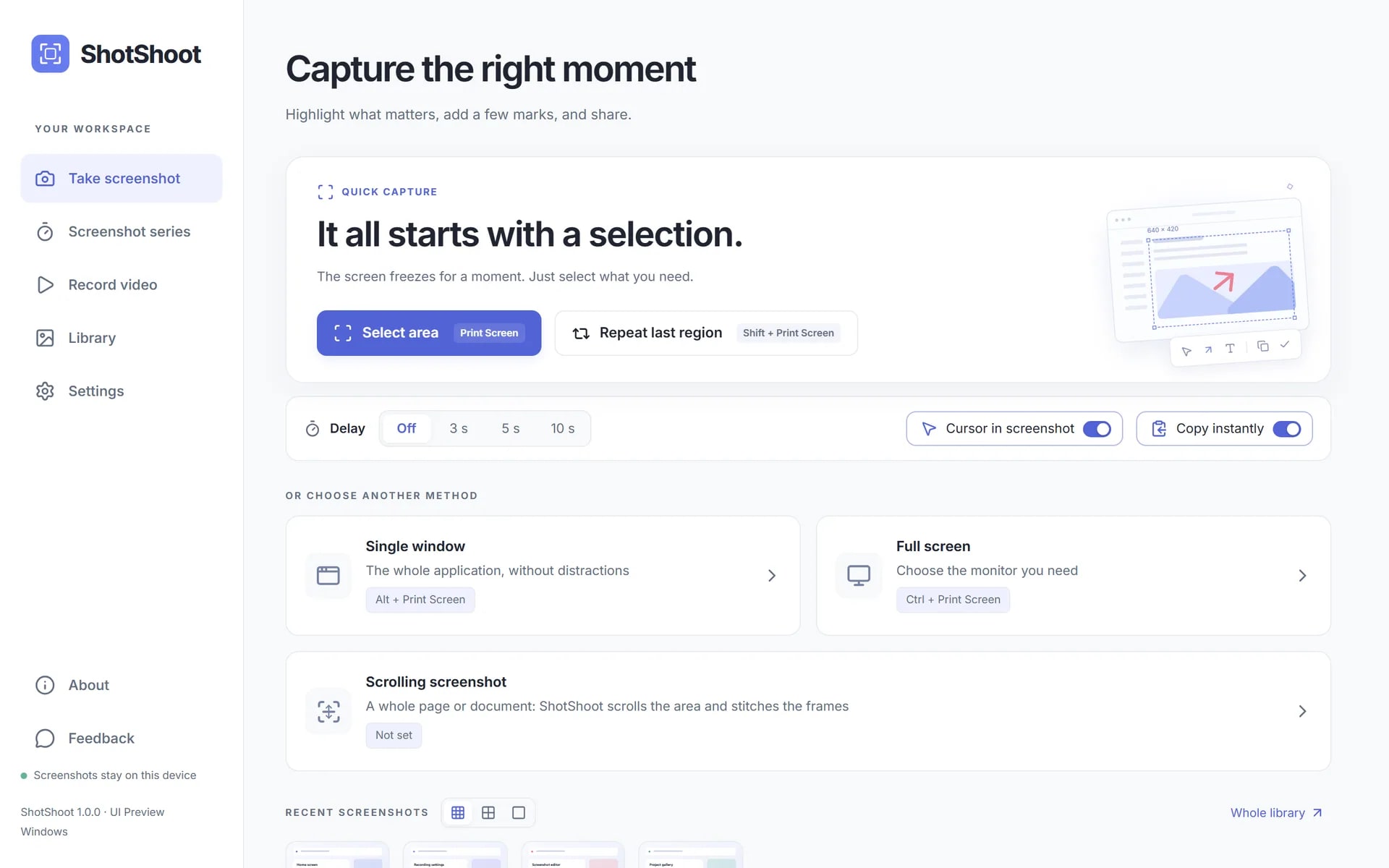
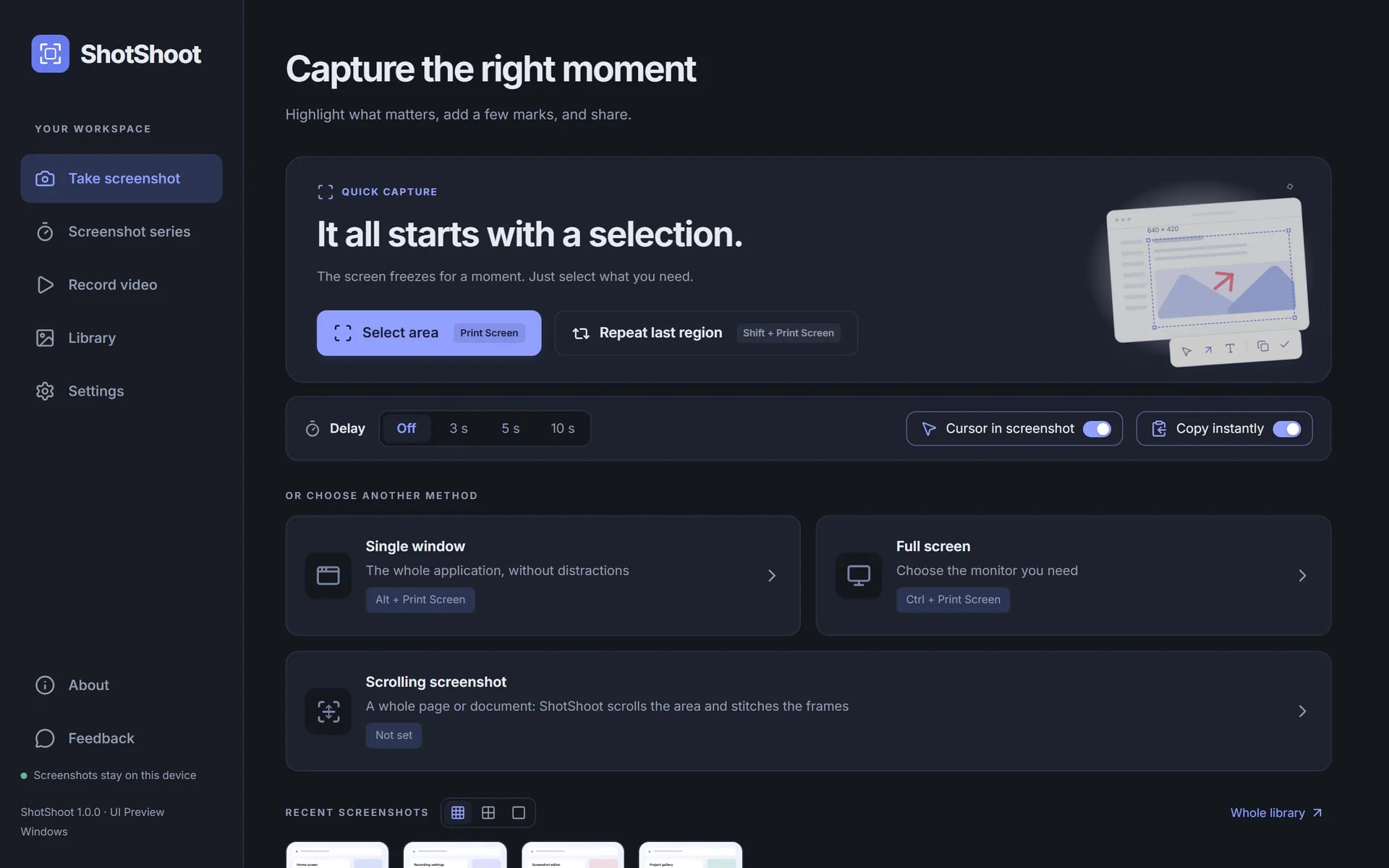
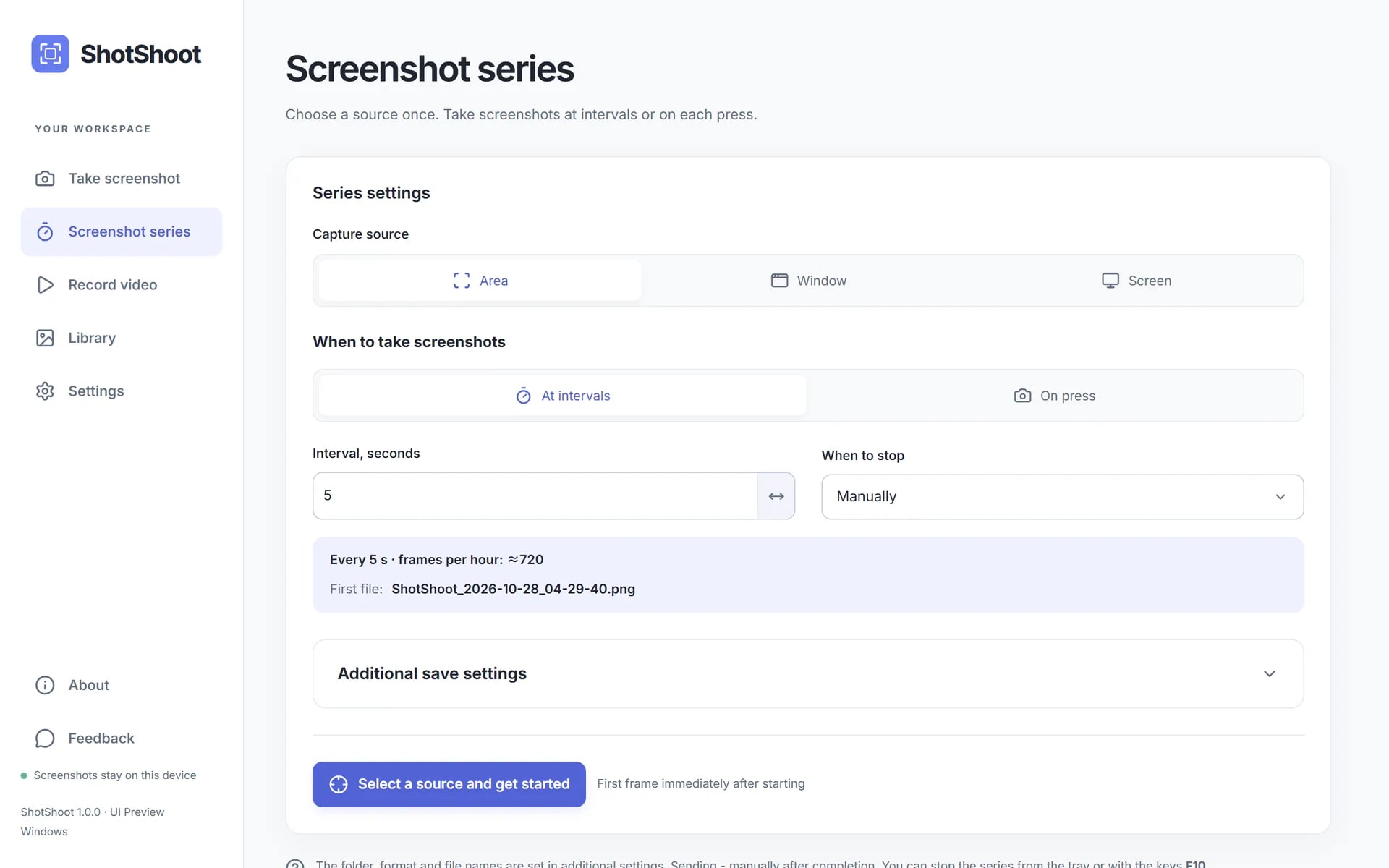
Region, window or full screen with one shortcut, scrolling capture of long pages and chats, a 3/5/10 second timer and timed screenshot series.
Annotate
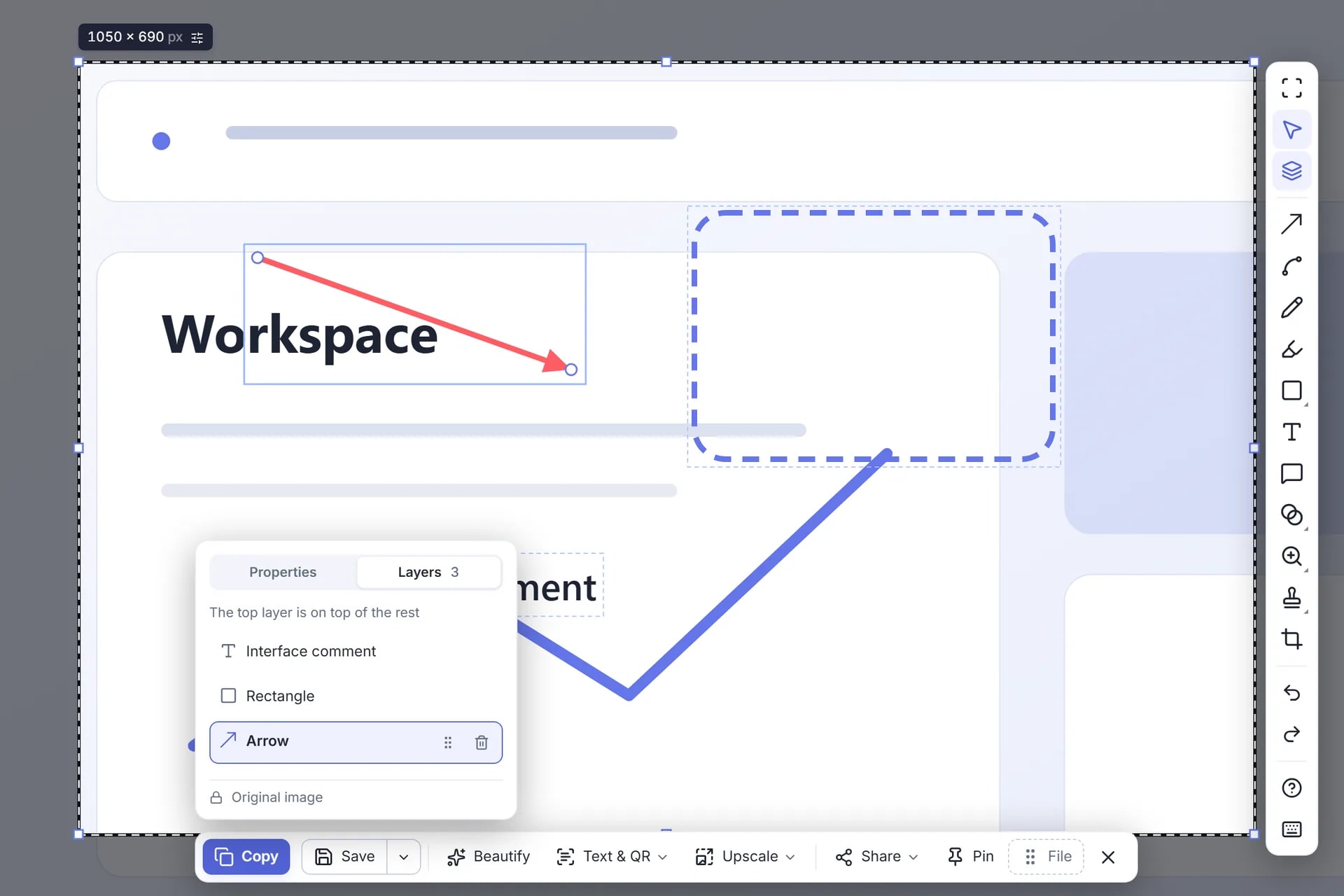
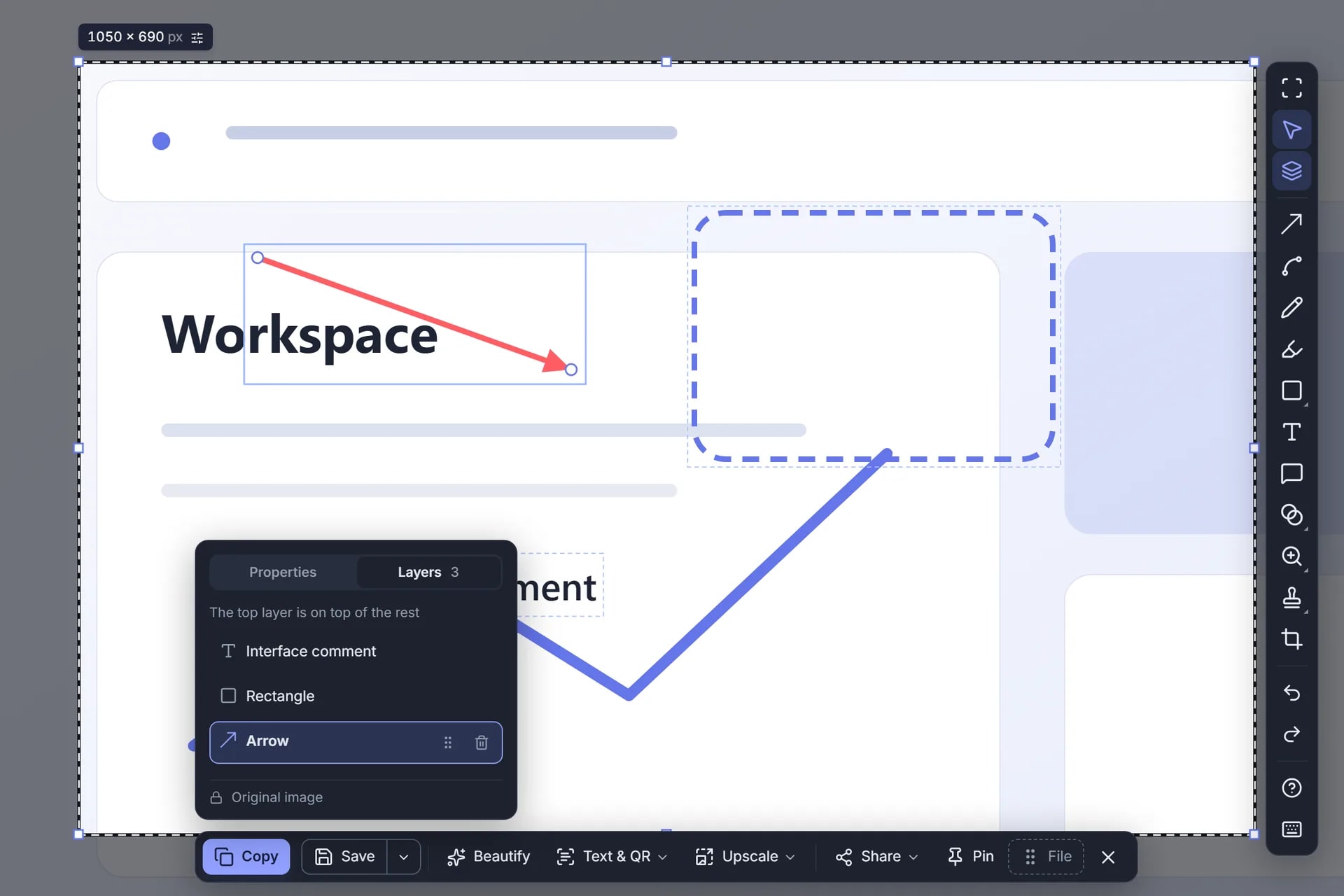
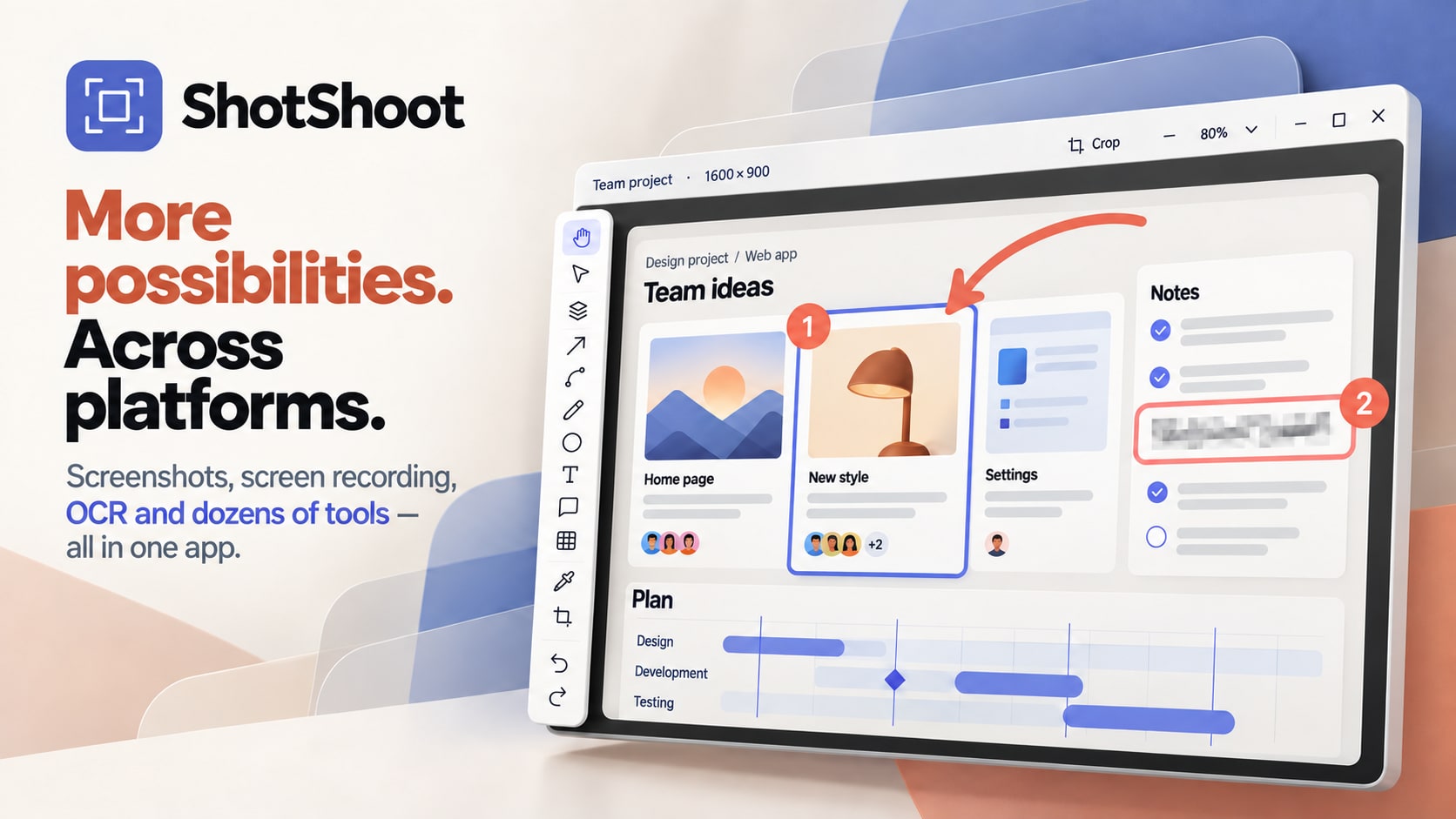
14 tools — arrows, curves, text, numbered steps, callouts, magnifier, spotlight, blur and mosaic. Every object stays editable until export.
Hide personal data
One click finds e-mails, phone numbers, card numbers, IBANs, IP addresses, passwords and tokens on a screenshot and covers them.
Recognize and enhance
Copy text from any screenshot, search the library by the words inside images and upscale images ×2 or ×4 with a neural network — all on the device.
Record the screen
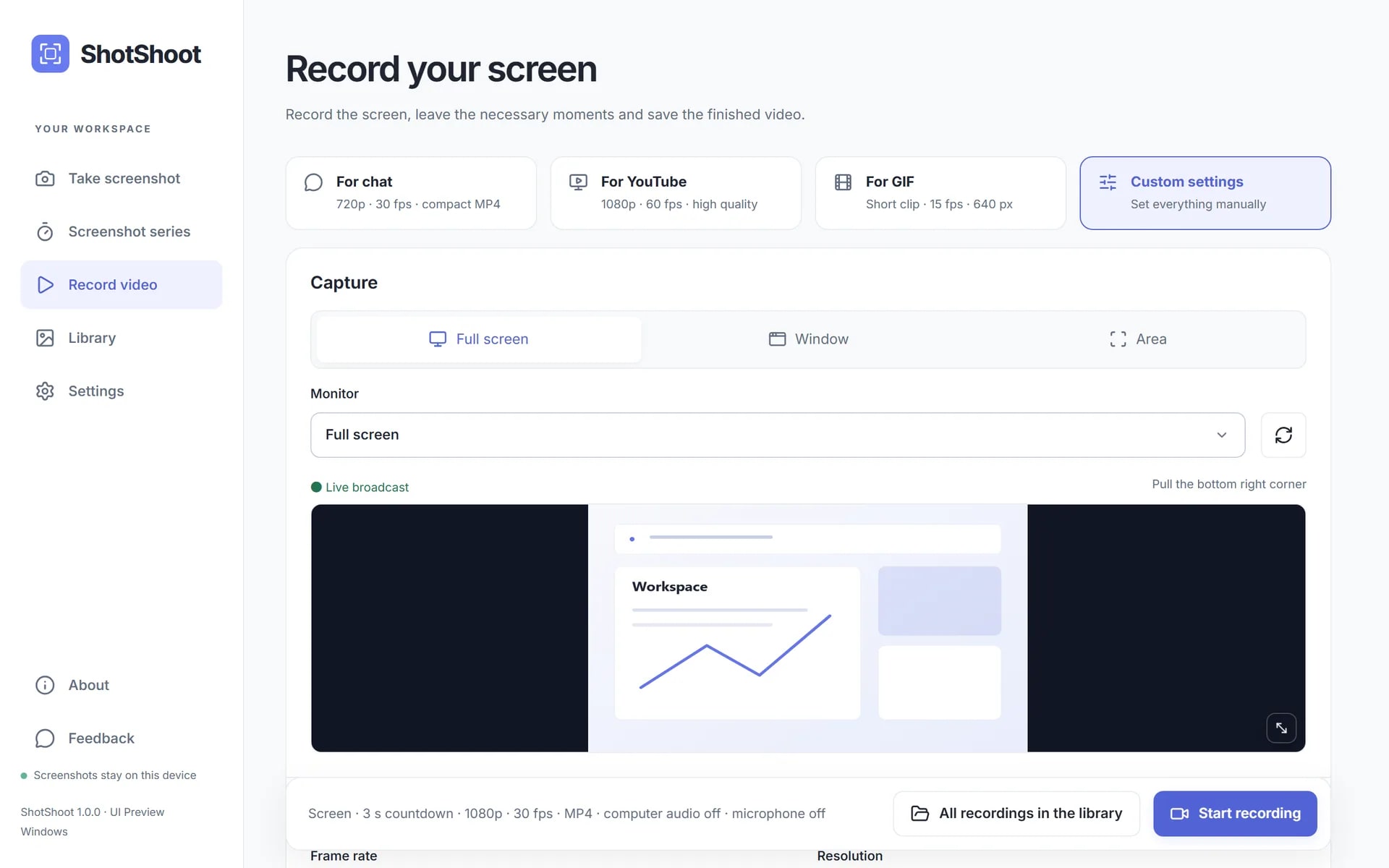
System audio, microphone and webcam overlay, click effects, auto-zoom on clicks and on-screen keystrokes. Export to MP4, GIF, WebP and more, up to 2160p.
Explain step by step
Turn several screenshots into a numbered guide and export it to PDF, Markdown or HTML.
Screenshots
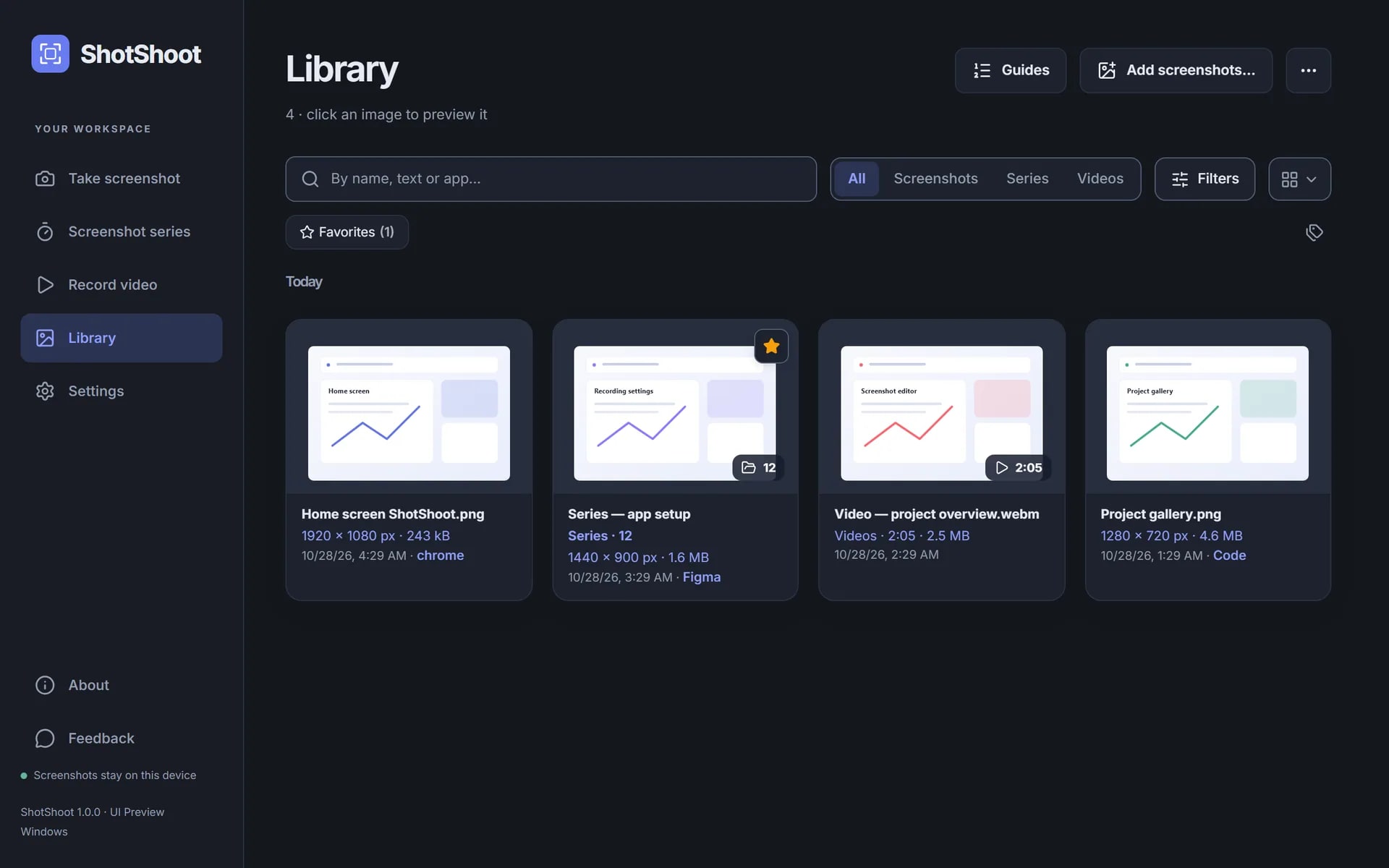
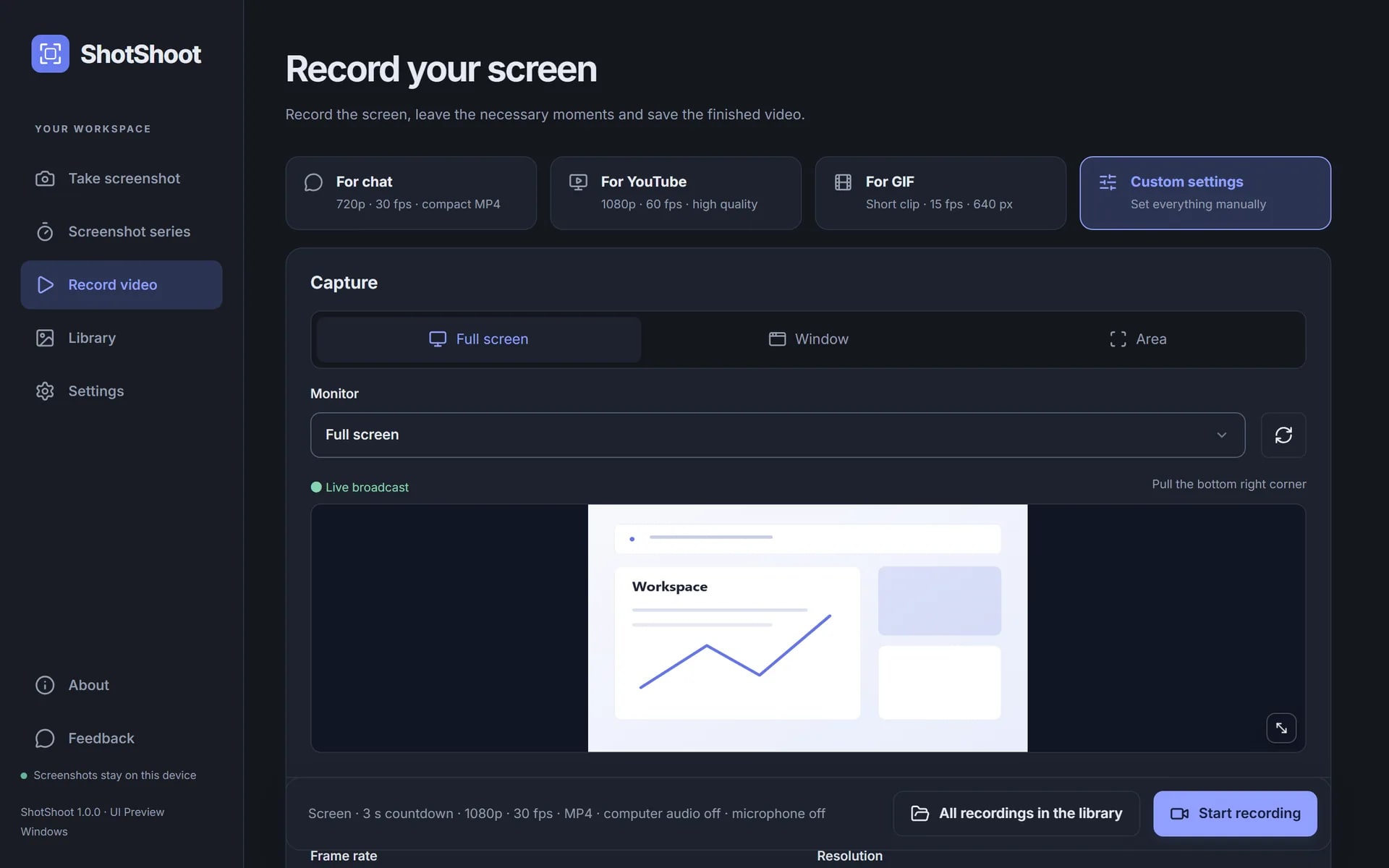
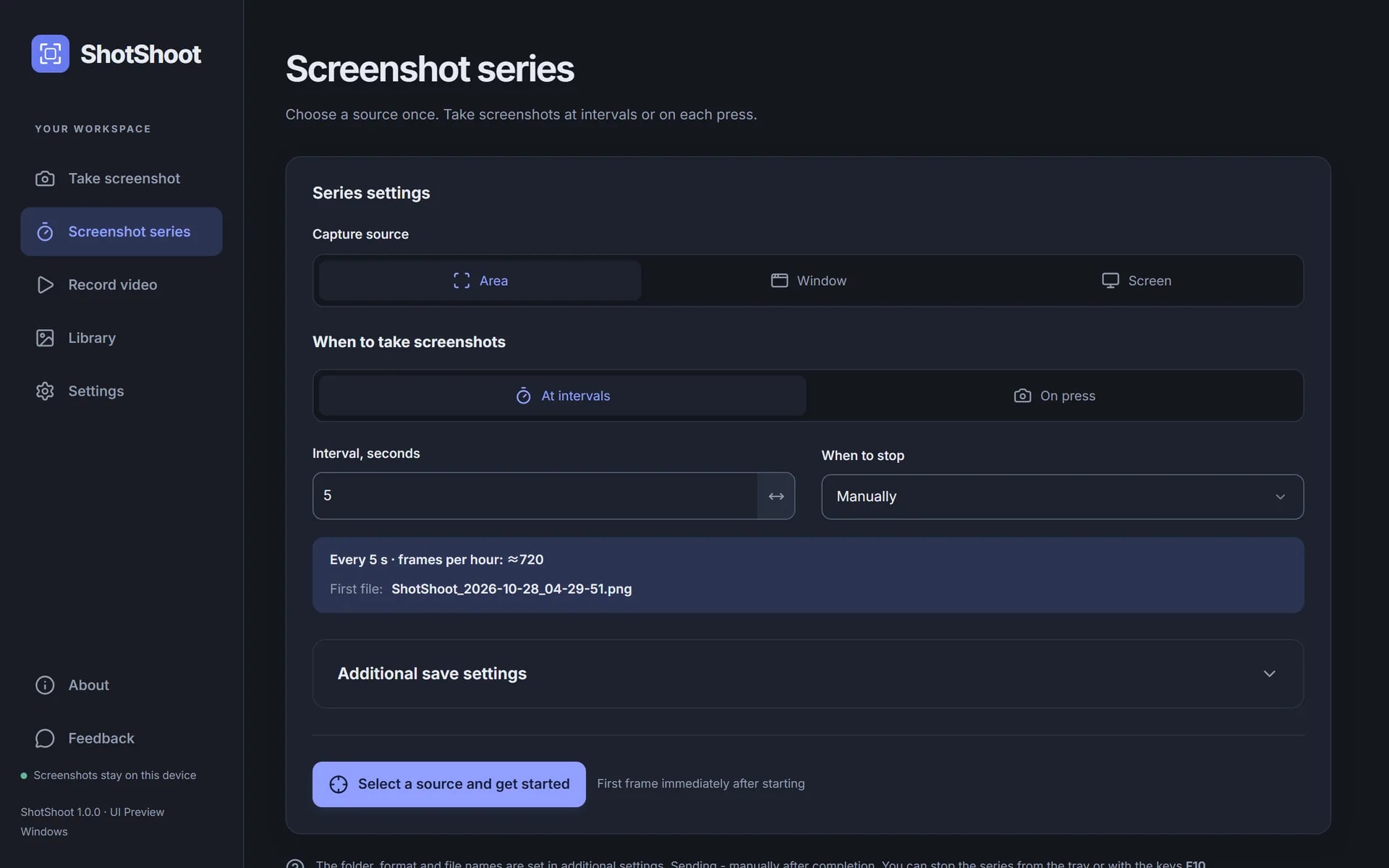
Real interface, 1920×1200. Light and dark themes; click to open the full image.
Promo art and logo
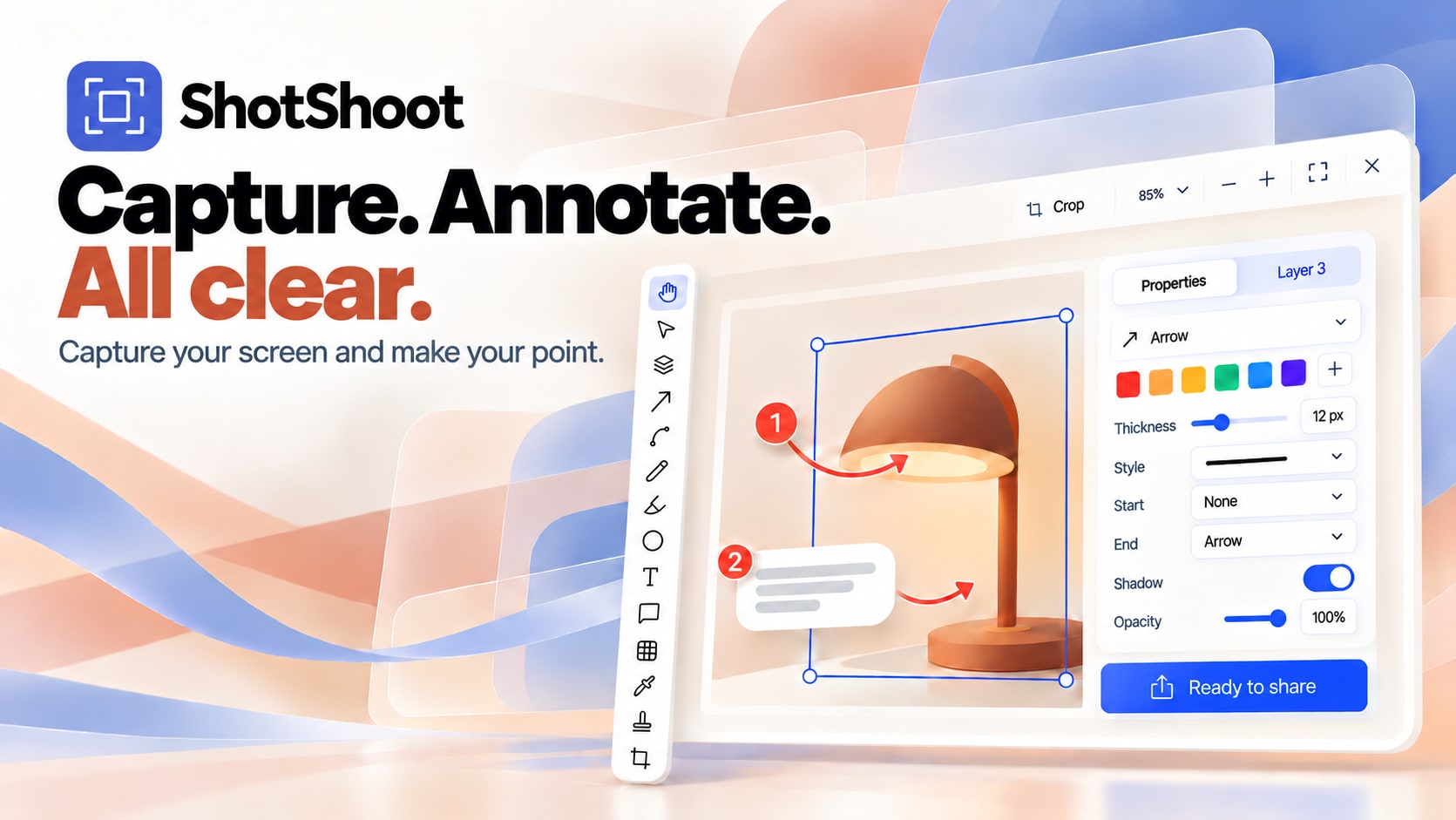
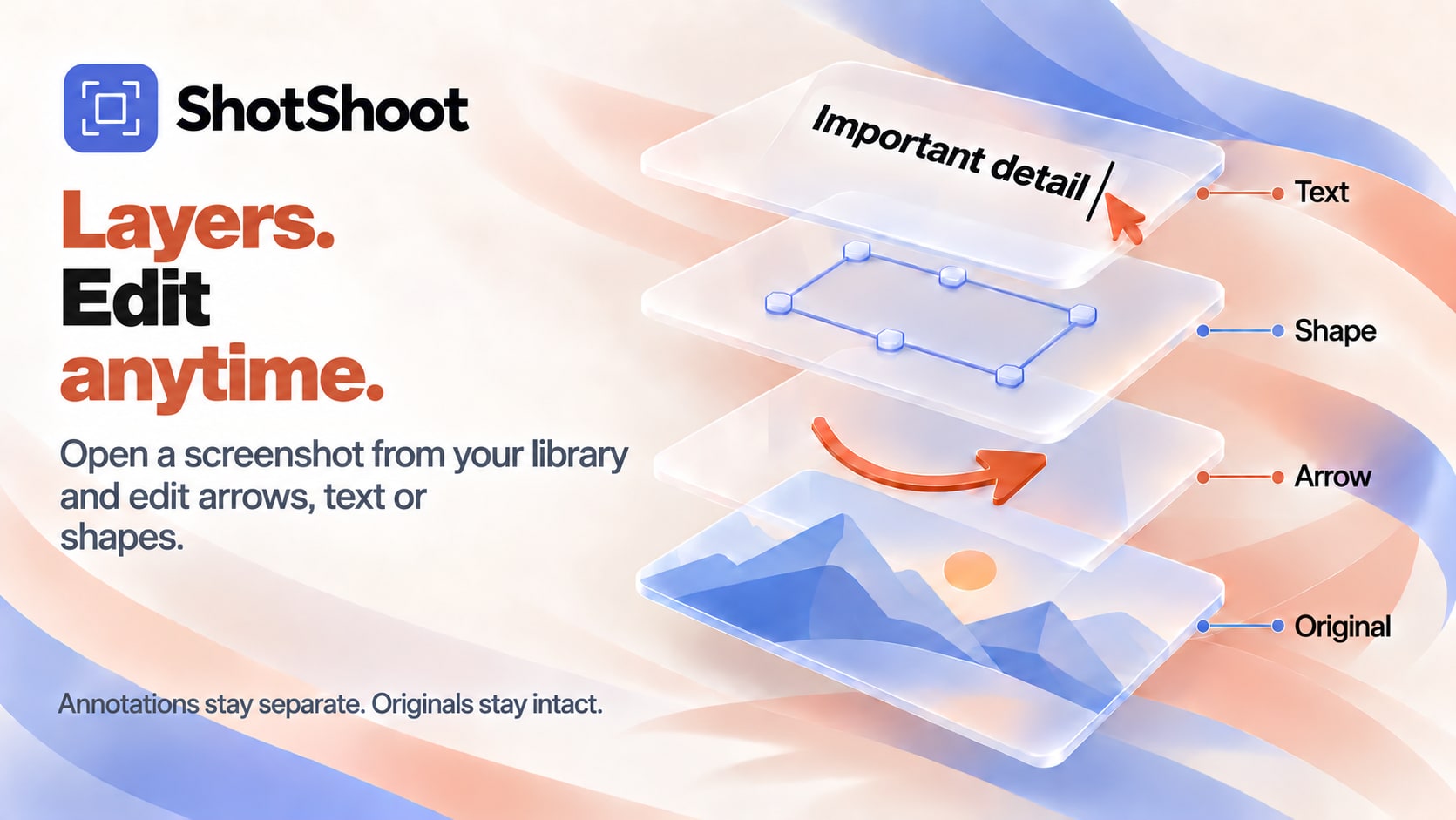
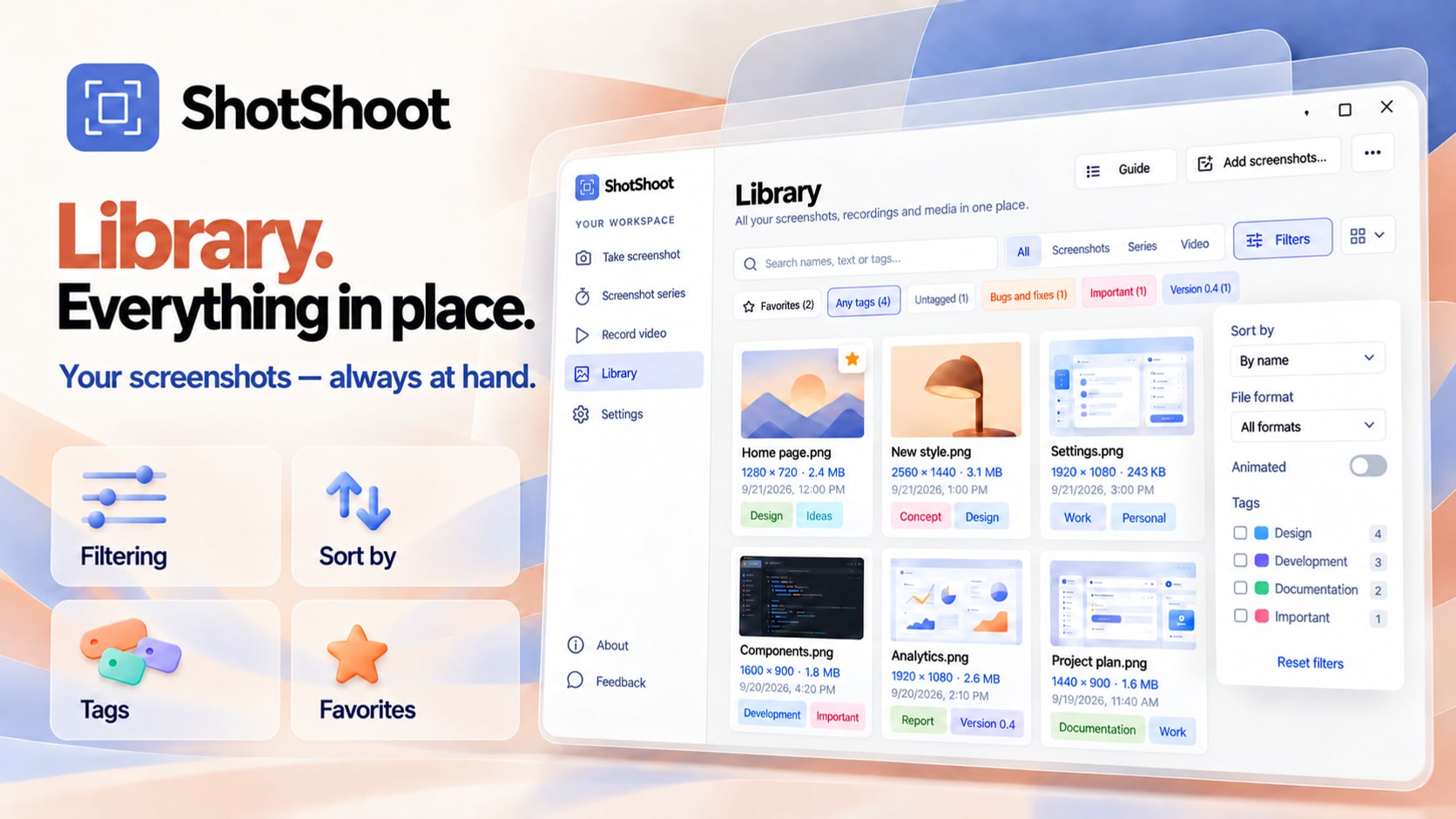

App icon: SVG · PNG 1024×1024. The trailer (1080p, 56 s) is available on the Microsoft Store page; a full-quality MP4 is available on request.
About ShotShoot
ShotShoot is a screenshot, annotation and screen recording app for Windows and macOS. It combines capture, a layered editor, on-device text recognition in 20 languages, AI upscaling, a local library and a screen recorder with click effects in one app that keeps every file on the user's computer. ShotShoot is available in the Microsoft Store for $14.99 with a 15-day free trial. Learn more atshotshoot.app.
Screenshots, art and the logo may be used freely in coverage of ShotShoot. Promo codes for review are available — write to support@shotshoot.app.